
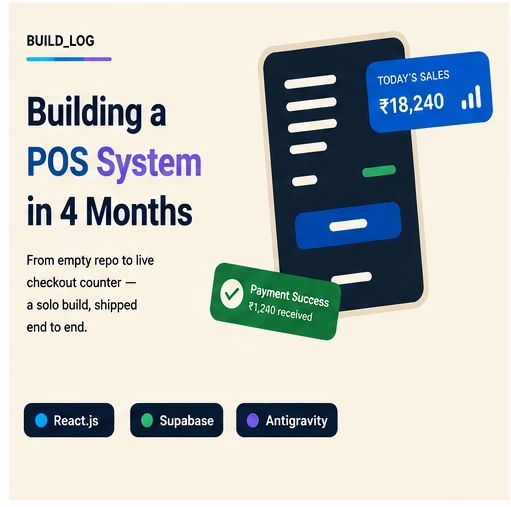
Our goal was simple: build a complete Point of Sale (POS) system for stores, make sure it can grow, and finish it in just 4 months.
To work fast and avoid common delays, we used a clean set of tools: React.js, Supabase, and a tool called Antigravity. We also used an MCP server tool to handle our database work much faster. This helped us finish the project right on time.
The Tools We Used
We kept our tech stack small and simple:
React.js: To build fast and clean app screens.
Supabase: To save data, handle user logins, and sync changes live.
Antigravity: To quickly create the basic setup and page layouts.
MCP Server Tool: To write and run database commands easily without wasting time.
How We Worked Fast
Building a big POS system in 4 months is hard. We used Antigravity to build the basic parts of the screens automatically. This saved our team from doing the same boring tasks over and over. Instead, we spent our time fixing how the app actually works.
Managing data was also much faster. Usually, developers have to switch between different windows to write database code. With the MCP server tool, we could create and run Supabase steps directly inside our main workspace. This cut out a lot of wasted time.
The 4-Month Plan
Month 1: Planning and Setup
We spent the first few weeks planning the system. We made lists of how items, checkouts, and staff roles would work. Then, we set up our files and connected React.js to Supabase.
Months 2–3: Building and Coding
This was the biggest part of the project. Antigravity did the heavy work of making the basic screen pieces. At the same time, we used the MCP server tool to quickly code:
Checkout pages and stock forms
Payment and billing screens
User logins and staff permissions
Live database updates
Month 4: Testing and Launch
The last month was for double-checking everything. We tested how the system worked with many users at the same time, made sure it worked offline, and ran safety tests before launching.
The Results
We finished the whole POS system right at the 4-month mark.
The system handles busy sales without any slowdowns.
Live data updates instantly across all devices.
The code is clean and easy for new developers to learn.
A project that usually takes 8 to 12 months was finished in just 4 months.
What We Learned
1. Good Database Tools Save Weeks
Using an MCP server tool for Supabase changed everything. Not having to write manual database code by hand saved us an immense amount of time.
2. Let Tools Do the Boring Work
Tools like Antigravity are great for building basic layouts fast. But you still need real developers to check the code and make sure the business logic is correct.
3. Keep It Simple
Using Supabase as our main backend kept the system light. Fewer moving parts meant fewer bugs to fix and more time to make the app great for users.